Why providers restrict sites
Residential proxies run through real people's internet connections. If someone used those connections for fraud or abuse, the people whose IPs were used could be harmed, and the provider could lose its partners. So most reputable residential providers, Webshare included, restrict some categories of websites on their residential networks.
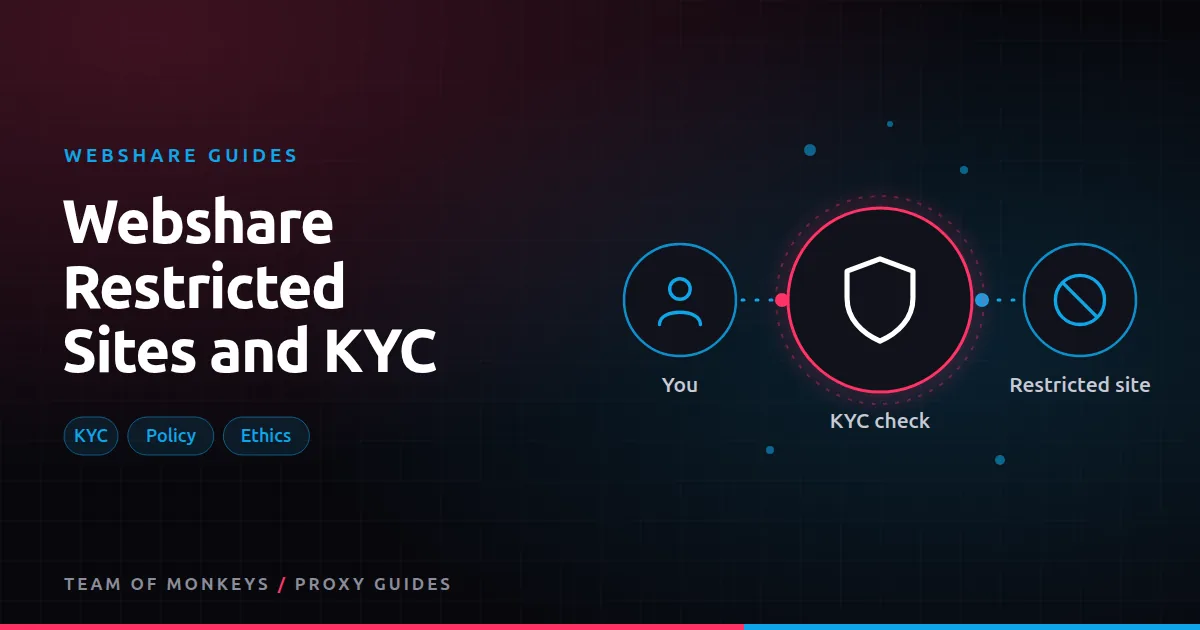
Webshare's residential page states that some websites are restricted and that access to certain targets can be unlocked after a KYC (know your customer) procedure. That's normal practice, and it's a sign of a provider taking sourcing seriously. See ethically sourced proxies for why this matters.
What tends to be restricted
Each provider has its own list, and lists change, so check Webshare's current terms. Categories commonly restricted across the industry include:
- Banking and payment sites, where proxy traffic is associated with fraud.
- Government services, especially those handling identity.
- Some ticketing and high-risk e-commerce flows.
- Sites where automated account creation causes harm.
Restrictions usually apply to residential traffic specifically, because that's where third parties' connections are involved.
How KYC works
KYC means verifying who you are and what you'll use the proxies for. Typically:
- You submit identity or company details.
- You describe your use case and the targets you need.
- The provider reviews it and, if approved, unlocks specific targets for your account.
Legitimate businesses doing ad verification, brand protection, security research or price intelligence usually pass easily, especially if they can explain the use case clearly.
Provider restriction or site block?
It's important to know which one you're facing, because the fixes are opposite.
| Signal | Provider restriction | Site block |
|---|---|---|
| Error comes from | The proxy (often a 4xx with a provider message) | The target (CAPTCHA, 403 page, challenge) |
| Same with every IP | Yes, always | Varies by IP and speed |
| Fix | Check terms, request KYC unlock | Slow down, improve fingerprints, change proxy type |
If every request to one domain fails instantly with a proxy-side error, and other domains work, suspect a restriction and contact Webshare support. Otherwise see fixing common Webshare errors and avoid IP bans when scraping.
Datacenter and static residential
Restrictions mainly concern the rotating residential pool. Datacenter and static residential proxies are hosted on servers rather than household devices, so the same third-party risk doesn't arise, though all usage still falls under Webshare's acceptable use policy.
Budget tip: You can test most of this guide for free: Webshare gives every new account 10 datacenter proxies and 1 GB of bandwidth a month without a credit card. Move to a paid plan once the pilot works. See our complete Webshare guide.
Using proxies responsibly
- Stay legal. Proxies don't change what's legal. See are proxies legal.
- Respect site terms and rate limits. See ethical web scraping.
- Collect only what you need, especially personal data.
- Be honest in KYC. Misrepresenting a use case is a quick way to lose an account.
How others handle it
Most reputable residential providers have similar policies. Geonode, for example, also describes its residential IPs as coming from opt-in partners and applies its own usage rules. Compare approaches in Webshare vs Geonode ethics and sourcing.
Preparing a KYC request
A clear request gets a faster answer. Include:
- Who you are: company name, website, your role.
- What you're doing: the business purpose, in plain language.
- Which targets: the specific domains you need unlocked.
- How you'll use them: volumes, request rates, whether you log in, what data you collect.
- Safeguards: rate limits, data minimisation, compliance processes.
Vague requests ("I need access to everything") are more likely to be refused.
Use cases that commonly need unlocks
| Use case | Why it may hit restrictions | Typical safeguard |
|---|---|---|
| Ad verification on finance sites | Finance categories are often restricted | Read-only checks, no logins |
| Brand protection on marketplaces | High-risk commerce flows | Public pages only, evidence capture |
| Security research on phishing sites | Sites may be on blocklists | Isolated environments, no credentials |
| Travel and ticketing data | Fraud-prone categories | Public pricing pages, low rates |
If a target stays restricted
Consider alternatives:
- Use datacenter or static residential IPs, which aren't subject to the same residential restrictions (though acceptable use still applies).
- Use the site's official API or a data partner.
- Narrow your use case to public, low-risk pages.
Proxy tip: If your residential usage goes up and down, compare Geonode: its per-GB residential bandwidth doesn't expire, so you only pay for what you use. See Webshare vs Geonode.
Staying in good standing
Providers watch for abuse because it harms their network and its users. Keep request rates reasonable, avoid automated account creation and logins on sensitive sites, and respond promptly if support asks about your traffic.
A real-world example
A brand protection firm finds that residential requests to a payments-related marketplace fail instantly with a provider-side error, while the same requests through datacenter IPs reach the site. They contact Webshare support, explain that they only check public listings for counterfeit products at low rates, and complete a KYC review with their company details and safeguards. Access to the specific domain is unlocked, and they document the approval for their compliance records.
Webshare and Geonode are two options among many. Our best proxies in 2026 guide explains how to match a proxy type to each task, and cheap proxies that work shows where budget providers fit.
Key takeaways
- Webshare restricts some websites on its residential network to protect the people whose connections form the pool.
- Some restricted targets can be unlocked after a KYC review of your identity and use case.
- A provider restriction fails instantly with a proxy-side error; a site block varies by IP and rate.
- Clear, specific KYC requests with safeguards are approved faster.
- Datacenter and static products avoid third-party devices but still follow the acceptable use policy.
FAQ
Why can't I reach a site through Webshare residential proxies?
It may be on Webshare's restricted list, or the site may be blocking you. Check whether the error comes from the proxy or the site, then contact support if it's a restriction.
Is KYC required to use Webshare?
Not for normal use. KYC applies when you need access to restricted targets.
Do restrictions apply to the free plan?
The free plan uses datacenter proxies, and all plans are covered by Webshare's acceptable use policy. Residential restrictions apply to residential traffic.
How long does KYC take?
It depends on the case and the information you provide. Clear, complete requests are faster.
Can KYC unlock every restricted site?
No. Some targets may remain restricted regardless of verification.
Do I need KYC for datacenter proxies?
Not usually; residential restrictions concern the residential network. All products follow the acceptable use policy.
Editorial note: Proxy providers change their pools, features and prices often, so treat any figures here as typical ranges at the time of writing and confirm current terms with the provider before you buy.