The short answer
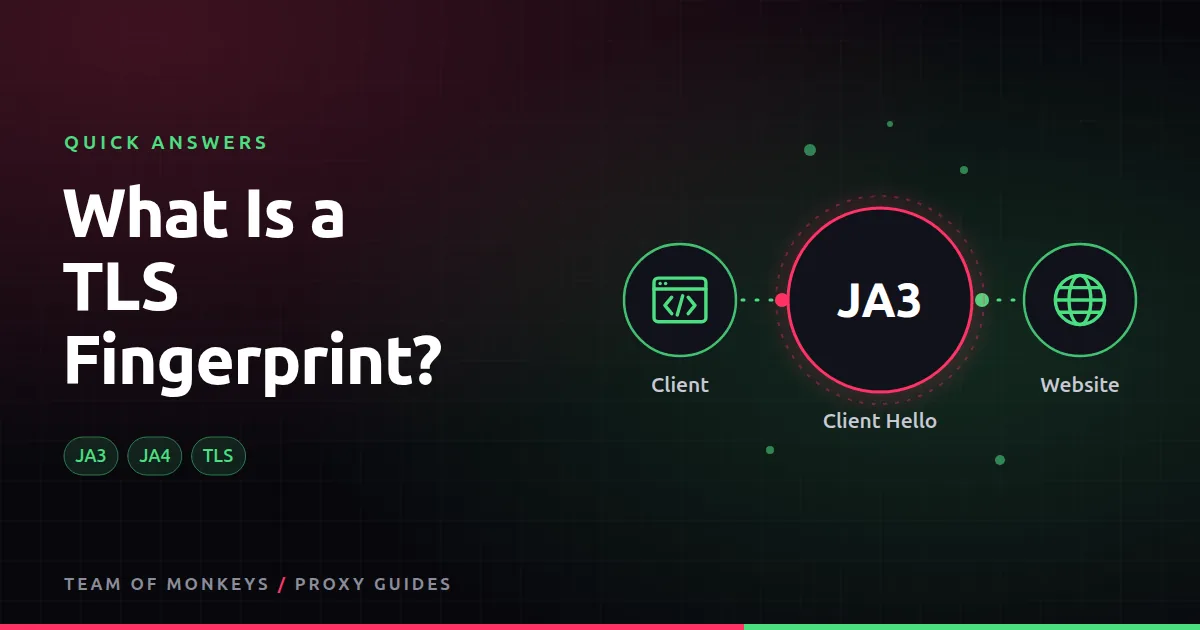
When any program opens an HTTPS connection, its first message (the TLS "Client Hello") lists the encryption options it supports, in a particular order. That list looks different for Chrome, Firefox, Python's requests library or curl. Hashing it gives a TLS fingerprint; JA3 and the newer JA4 are the best-known formats.
Why it matters
A proxy passes your TLS handshake through untouched, so the website sees your real client. If your script claims to be Chrome in its user agent but has a Python TLS fingerprint, anti-bot systems notice. Real browsers (Puppeteer, Playwright) or TLS-impersonating HTTP clients avoid the mismatch.

Also known as
JA3 fingerprint, JA4 fingerprint, Client Hello fingerprint, SSL fingerprint.
Learn more
- Browser fingerprinting and proxies
- How to avoid IP bans when scraping
- Python requests with proxies
- Can websites detect proxies?
- RFC 8446, TLS 1.3 (the Client Hello)
- MDN on the User-Agent header
- Device fingerprint overview
- OWASP automated threats
Affiliate disclosure: Team of Monkeys is an affiliate of Geonode, Webshare and Rayobyte. Links and banners marked as sponsored, and links to Geonode, Webshare and Rayobyte in the text, use our referral links, and we may earn a commission if you buy through them, at no extra cost to you. Our explanations and comparisons are written to be useful whichever provider you choose.
Editorial note: Proxy providers change their pools, features and prices often, so treat any figures here as typical ranges at the time of writing and confirm current terms with the provider before you buy.
Editorial note: Proxy providers change their pools, features and prices often, so treat any figures here as typical ranges at the time of writing and confirm current terms with the provider before you buy.