The short answer
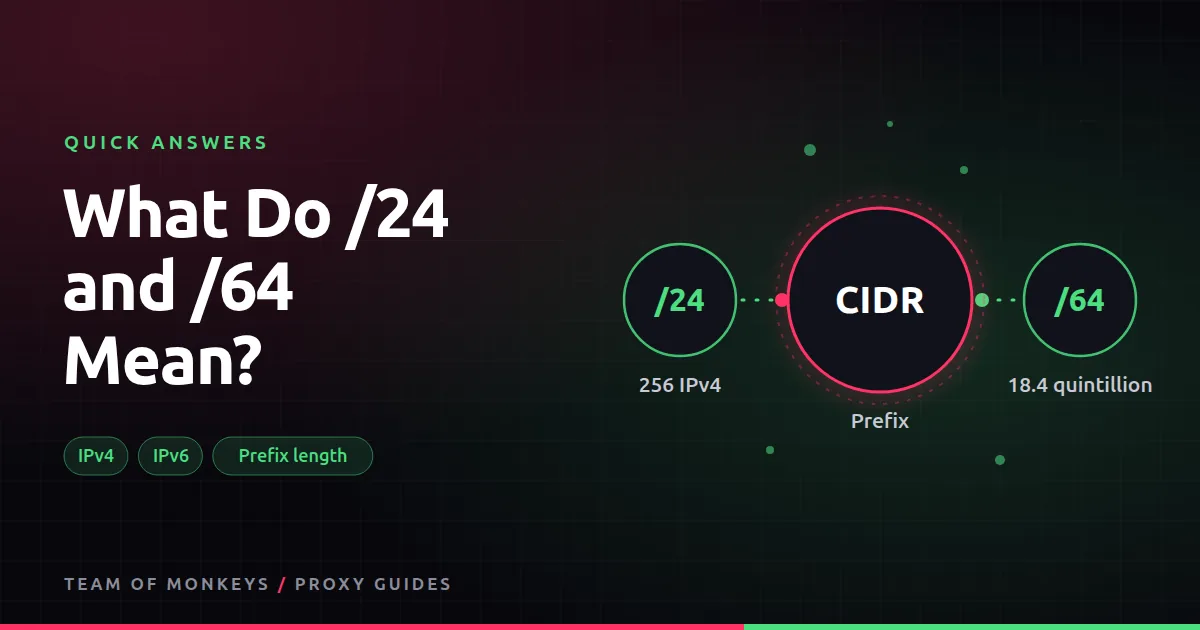
The slash number is CIDR notation. It tells you how many of the address's bits are fixed; the rest can vary.
- An IPv4 address has 32 bits. A /24 fixes 24 of them and leaves 8 free: 2^8 = 256 addresses.
- An IPv6 address has 128 bits. A /64 fixes 64 and leaves 64 free: 2^64, about 18.4 quintillion addresses.
Why it matters for proxies
A single home or server usually gets a whole IPv6 /64. Sites know this, so they ban IPv6 traffic by /64, not by single address. A provider selling "millions of IPv6 proxies" from one /64 is effectively selling you one identity. For IPv4, bans are often applied per /24.

Also known as
Prefix length, subnet mask (255.255.255.0 is the same as /24), netmask, IP block size.
Learn more
- What is a subnet?
- IPv6 proxies
- IPv4 vs IPv6 proxies
- Datacenter proxies
- RFC 8200, the IPv6 specification
- RFC 791, the IPv4 specification
- IPv6 capable rate by country (APNIC Labs)
- The Internet Society's IPv6 resources
Affiliate disclosure: Team of Monkeys is an affiliate of Geonode, Webshare and Rayobyte. Links and banners marked as sponsored, and links to Geonode, Webshare and Rayobyte in the text, use our referral links, and we may earn a commission if you buy through them, at no extra cost to you. Our explanations and comparisons are written to be useful whichever provider you choose.
Editorial note: Proxy providers change their pools, features and prices often, so treat any figures here as typical ranges at the time of writing and confirm current terms with the provider before you buy.
Editorial note: Proxy providers change their pools, features and prices often, so treat any figures here as typical ranges at the time of writing and confirm current terms with the provider before you buy.