The short answer
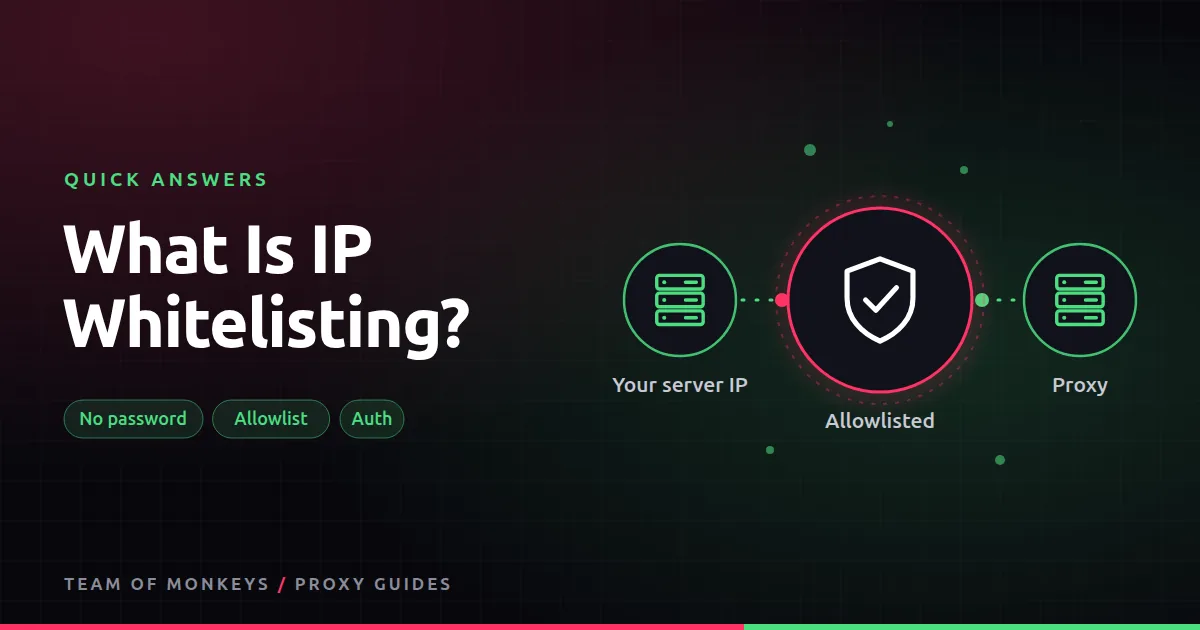
With IP whitelisting, you tell the proxy provider "my server's IP is 203.0.113.10". From then on, the proxy accepts connections from that IP with no username or password. Anything else is refused.
Pros and cons
- Good for: tools and browsers that cannot send proxy passwords, and servers with fixed IPs.
- Bad for: home connections and laptops whose IP changes, and teams working from many places. Then username and password authentication is simpler.
Never whitelist a shared IP, such as office Wi-Fi in a co-working space, or everyone on it can spend your bandwidth.

Also known as
IP allowlisting, IP authorization, IP authentication, authorized IPs.
Learn more
- Proxy authentication methods
- What does host:port:user:pass mean?
- Webshare IP authorization
- Rayobyte authentication options
- MDN on 407 Proxy Authentication Required
- RFC 7617, Basic authentication
- NIST authentication guidance
- The UK NCSC's top tips for staying secure
Affiliate disclosure: Team of Monkeys is an affiliate of Geonode, Webshare and Rayobyte. Links and banners marked as sponsored, and links to Geonode, Webshare and Rayobyte in the text, use our referral links, and we may earn a commission if you buy through them, at no extra cost to you. Our explanations and comparisons are written to be useful whichever provider you choose.
Editorial note: Proxy providers change their pools, features and prices often, so treat any figures here as typical ranges at the time of writing and confirm current terms with the provider before you buy.
Editorial note: Proxy providers change their pools, features and prices often, so treat any figures here as typical ranges at the time of writing and confirm current terms with the provider before you buy.