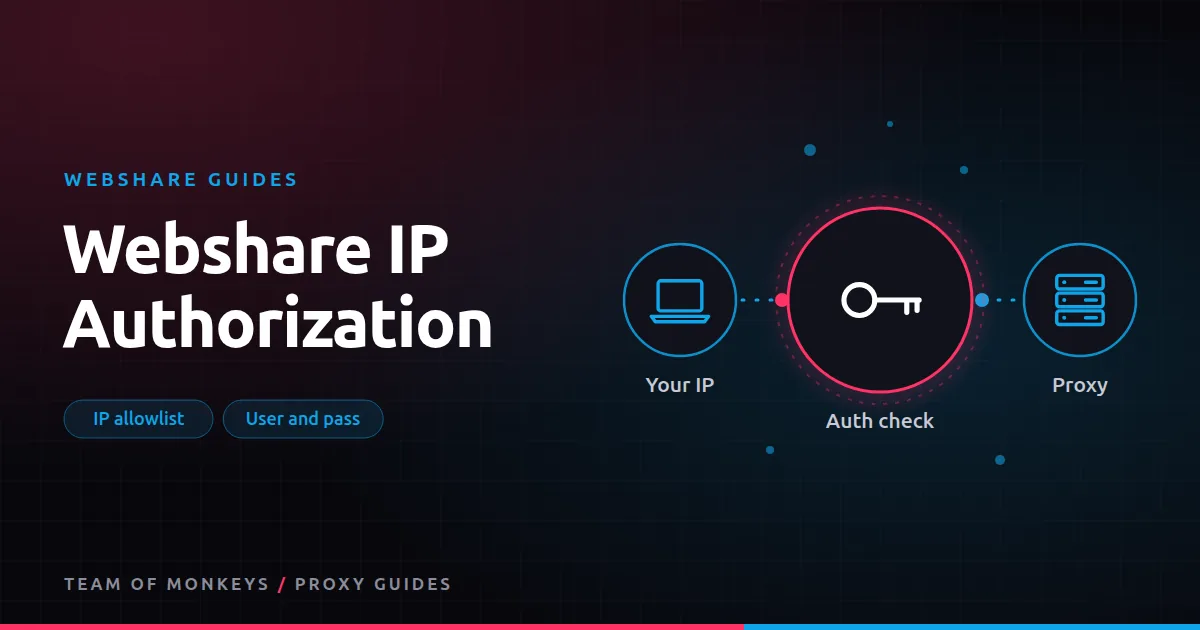
Two ways to prove you're allowed
Every Webshare proxy needs authentication so that only you can use it. You can choose between:
- Username and password. Credentials are sent with each connection. Works from anywhere.
- IP authorization. You register your own public IP address; connections from that address are accepted without credentials.
The general background is in proxy authentication methods.
Username and password
This is the default. Your proxy details look like host:port:username:password, and most tools accept them as a proxy URL:
http://USERNAME:PASSWORD@HOST:PORT
socks5://USERNAME:PASSWORD@HOST:PORT
Use it when:
- You work from laptops, home connections or anywhere your IP changes.
- Your tool supports authenticated proxies (most do).
- You use the backbone gateway, where the username also carries rotate, session and targeting options.
IP authorization
With IP authorization, you add your machine's public IP to an allowlist in the dashboard or through the API. Any connection from that IP is accepted.
Use it when:
- Your tool can't send proxy credentials. Some browsers, extensions, older libraries and devices can't handle authenticated proxies cleanly.
- You run on servers with fixed IPs and want simpler configuration.
- You want to avoid putting passwords in config files.
Watch out for:
- Changing IPs. Home connections and many cloud instances change IP. When they do, the proxy stops working until you update the allowlist.
- Shared networks. Anyone else using the same public IP (an office, a VPN exit, a cloud NAT) can use your proxies too.
Which should you choose?
| Situation | Method |
|---|---|
| Laptop or home use | Username and password |
| Fixed-IP server | Either; IP authorization keeps configs simple |
| Tool can't do proxy auth | IP authorization |
| Backbone with rotate, session or targeting options | Username and password |
| Shared office network | Username and password |
| Auto-scaling cloud workers | Username and password, or authorize IPs via the API at startup |
Setting up IP authorization
- Find your public IP (for example, by visiting an IP-check site from that machine).
- Add it in the IP authorization section of the Webshare dashboard.
- Configure your tool with the proxy host and port, without credentials.
- Test with cURL:
curl -x http://PROXY_HOST:PORT https://httpbin.org/ipBudget tip: Before scaling, run a short pilot with Webshare on your real targets and record success rate, latency and bandwidth per result. Our our complete Webshare guide explains which Webshare product fits which job.
Fixing authentication errors
407 Proxy Authentication Required is the classic error. Common causes:
- Wrong username or password, often with a stray space copied from the dashboard.
- Special characters in the password that need URL encoding in a proxy URL.
- Using direct-mode credentials on the backbone gateway, or the reverse.
- IP authorization configured, but your public IP has changed.
- Tools like Puppeteer that need credentials passed separately rather than in the URL. See Puppeteer proxy authentication.
More in fixing common Webshare errors and common proxy errors.
Security tips
- Don't share credentials between projects. Separate plans or sub-accounts make leaks easier to contain.
- Remove old IPs from the allowlist when servers are retired.
- Regenerate credentials if they appear in a log, screenshot or repository.
IP authorization on cloud servers
Cloud instances can change public IP when they restart, and auto-scaling groups add and remove servers constantly. Options:
- Static outbound IPs. Use elastic or reserved IPs, or route outbound traffic through a NAT gateway with a fixed IP, then authorize that.
- Authorize at startup. Have each server call the Webshare API to add its IP when it boots and remove it on shutdown.
- Use credentials instead. For fleets that change often, username and password is simpler.
Mixing methods by environment
| Environment | Recommended method |
|---|---|
| Developer laptops | Username and password |
| CI pipelines | Username and password from CI secrets |
| Fixed production servers | IP authorization |
| Browser tools without auth support | IP authorization |
| Auto-scaling workers | Credentials, or API-managed authorization |
Auditing your allowlist
Every few months, review authorized IPs:
- List them through the dashboard or API.
- Match each to a known server or office.
- Remove anything unknown or retired.
An allowlist that only grows becomes a security risk, because any machine that later inherits one of those IPs could use your proxies.
Proxy tip: For a second opinion on hard targets, run the same test through Geonode residential proxies, which support sticky sessions up to 24 hours and ASN targeting. We compare the two in Webshare vs Geonode.
When IP authorization causes confusion
If a proxy works on one machine and fails on another with 407 errors, compare their public IPs. VPNs, corporate proxies and mobile hotspots all change the IP Webshare sees. Turn off the VPN or authorize the VPN's exit IP, if appropriate.
A real-world example
A QA team runs Selenium tests on two fixed-IP build servers. Chrome can't send proxy credentials from the command line, so they authorize both servers' public IPs in the Webshare dashboard and point Chrome at the proxy host and port with no credentials. Developers running tests on laptops use username and password through a local forwarding proxy instead. When a build server is replaced, a startup script calls the API to authorize the new IP and remove the old one.
Webshare and Geonode are two options among many. Our best proxies in 2026 guide explains how to match a proxy type to each task, and cheap proxies that work shows where budget providers fit.
Key takeaways
- Webshare supports username and password authentication and IP authorization.
- Credentials work from anywhere and carry backbone options; IP authorization suits fixed servers and tools that can't send credentials.
- Changing IPs, VPNs and shared networks are the main pitfalls of IP authorization.
- Most 407 errors come from typos, unencoded characters, mode mismatches or a changed IP.
- Review your allowlist regularly and remove IPs you no longer use.
FAQ
Can I use both methods at once?
Yes. Credentials work from anywhere, and authorized IPs work without them.
Does IP authorization work with SOCKS5?
Yes, it works with both HTTP and SOCKS5.
Why do my proxies work at the office but not at home?
You probably authorized the office IP. At home, use username and password, or add your home IP too.
How many IPs can I authorize?
Limits depend on your plan; check the dashboard. Keep the list short and reviewed either way.
Is IP authorization less secure than passwords?
It's secure if your IP is fixed and not shared. On shared networks, credentials are safer.
Can I use IP authorization with rotating residential?
Yes, but options like sessions and targeting usually live in the username, so check how to set them without credentials.
Editorial note: Proxy providers change their pools, features and prices often, so treat any figures here as typical ranges at the time of writing and confirm current terms with the provider before you buy.