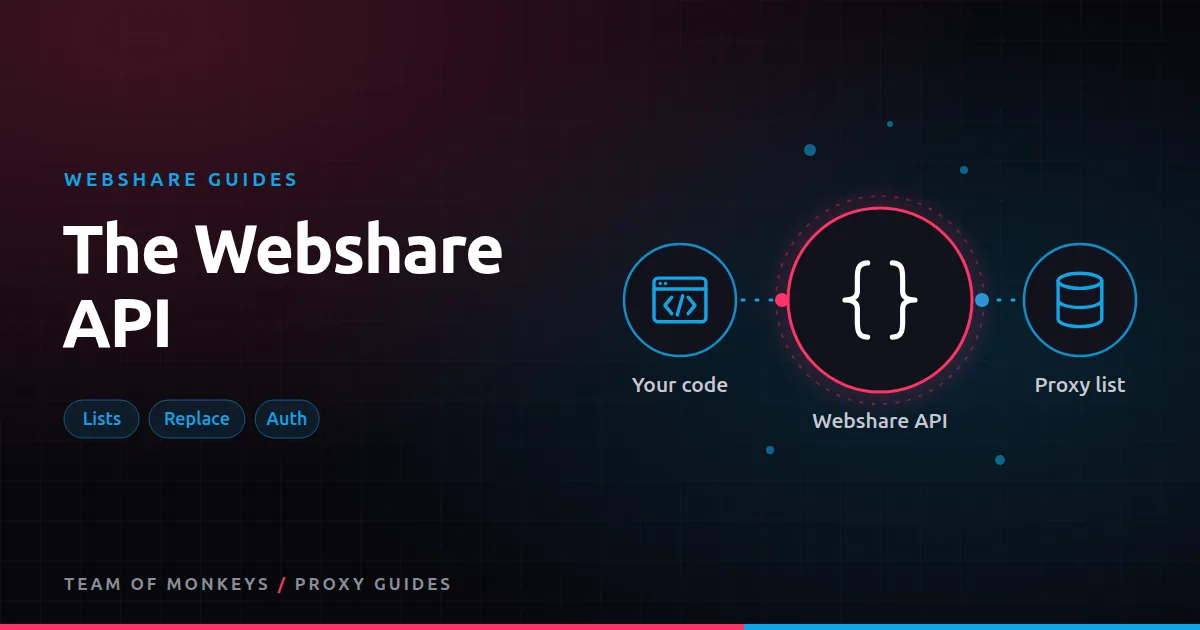
What the API is for
The dashboard is fine for a single project. Once proxies are part of a pipeline, you want code to do the routine work: fetch the current list, add a new server's IP to the allowlist, replace blocked proxies and check usage. Webshare documents a REST API for exactly this, at apidocs.webshare.io.
What you can do with it
The areas most teams use:
- Proxy list. Download the proxies in your plan, with addresses, ports, credentials and locations.
- Proxy configuration. Read connection details for direct and backbone modes.
- IP authorization. Add and remove the source IPs allowed to use your proxies without passwords. See Webshare IP authorization.
- Proxy replacement. Request replacements and see what was replaced and why. See Webshare proxy replacements.
- Usage and stats. Check bandwidth and request activity.
Check the documentation for the exact endpoints and parameters available on your plan, since the API evolves.
Authentication
API calls are authenticated with an API key created in the dashboard and sent in a request header. Treat the key like a password:
- Store it in an environment variable or secret manager, never in code you commit.
- Create separate keys for separate systems so you can revoke one without breaking others.
- Rotate keys if a laptop or server is compromised.
Pattern: a small proxy manager
A pattern that works well for scrapers is a tiny "proxy manager" that owns everything proxy-related:
- On start, download the proxy list through the API and cache it locally.
- Every N minutes, refresh the list so automatic replacements are picked up.
- Per request, hand out the next proxy (round-robin or random) and record success or failure.
- On repeated failures for one IP on one target, request a replacement through the API, with a sensible cap per day.
Sketch in Python (endpoint path and response fields are illustrative; take the real ones from the docs):
import os, random, time, requests

API = "https://proxy.webshare.io/api/v2"
HEAD = {"Authorization": f"Token {os.environ['WEBSHARE_API_KEY']}"}

class ProxyManager:
    def __init__(self, ttl=600):
        self.ttl, self.loaded, self.items = ttl, 0, []

    def refresh(self):
        r = requests.get(f"{API}/proxy/list/?mode=direct&page_size=100", headers=HEAD, timeout=30)
        r.raise_for_status()
        self.items = r.json()["results"]
        self.loaded = time.time()

    def get(self):
        if time.time() - self.loaded > self.ttl or not self.items:
            self.refresh()
        p = random.choice(self.items)
        url = f"http://{p['username']}:{p['password']}@{p['proxy_address']}:{p['port']}"
        return {"http": url, "https": url}
Paginate if your list is larger than one page. The rest of your scraper only ever calls get(), so switching modes, plans or even providers is a one-file change. See proxy rotation strategies for selection logic.
Pattern: auto-authorizing new servers
If you use IP authorization and your workers run on cloud servers with changing IPs, add a startup step: the worker discovers its public IP and calls the IP authorization endpoint to add it, then removes it on shutdown. Cap the number of authorized IPs and clean up stale ones on a schedule.
Budget tip: Before scaling, run a short pilot with Webshare on your real targets and record success rate, latency and bandwidth per result. Our our complete Webshare guide explains which Webshare product fits which job.
Rate limits and good habits
- Cache the list. Don't download it before every request.
- Back off on API errors. Retry with increasing delays.
- Log replacements with the reason, so you can see whether a target or a proxy is the problem.
- Separate environments. Use different keys (and ideally different plans) for testing and production.
No-code and automation tools
If you'd rather not write code, tools like n8n, Make or Zapier can call the API through HTTP request steps. See Webshare in automation tools.
Security model for API keys
| Practice | Why |
|---|---|
| One key per system | Revoke one without breaking others |
| Keys in a secret store | Keeps them out of code and logs |
| Least privilege where supported | Limits damage if a key leaks |
| Rotation schedule | Reduces exposure from old leaks |
| Alerts on unusual usage | Catches misuse early |
Treat a leaked API key as a leaked password for your whole proxy account.
Pagination and large lists
Large proxy lists are returned in pages. Loop until there are no more pages, and cache the full list locally with a timestamp. Refresh on a schedule (for example every 10 to 30 minutes) rather than on every request. If the API is briefly unavailable, keep using the cached list instead of failing.
Monitoring with the API
A small scheduled job can call the API to:
- Record bandwidth used today and this billing period.
- Count proxies replaced in the last day.
- Alert when usage passes 80% of the plan.
- Alert when replacements spike, which usually means a target changed its defences.
Send the results to your usual monitoring or chat tool.
Proxy tip: For a second opinion on hard targets, run the same test through Geonode residential proxies, which support sticky sessions up to 24 hours and ASN targeting. We compare the two in Webshare vs Geonode.
Testing API integrations
Use the free plan or a small test plan with its own API key while you develop. That way a bug that requests hundreds of replacements or deletes authorized IPs can't affect production. When the integration is stable, switch the key to production through configuration only.
A real-world example
A scraping company with 15 worker servers used to download its Webshare proxy list by hand every week. They write a 60-line proxy manager that fetches the list through the API every 15 minutes, hands out proxies round-robin, records failures per IP and domain, and requests a replacement when an IP fails across most domains. Automatic replacements are now picked up within minutes, manual work disappears, and a daily usage check posts bandwidth figures to the team's chat channel.
Webshare and Geonode are two options among many. Our best proxies in 2026 guide explains how to match a proxy type to each task, and cheap proxies that work shows where budget providers fit.
Key takeaways
- The Webshare API covers proxy lists, IP authorization, replacements and usage.
- Keep API keys in a secret store, one per system, and rotate them.
- A small proxy manager that caches and refreshes the list keeps scrapers simple.
- Cap automatic replacement requests so normal errors don't burn your allowance.
- Use a separate key and plan for testing API integrations.
FAQ
Is the Webshare API free?
API access is part of your account. You don't pay separately for API calls, but they act on your paid (or free) plans.
Can I buy proxies through the API?
The API focuses on managing proxies you already have. Check the documentation for current billing and plan endpoints.
Where do I find my API key?
In the Webshare dashboard, in the API section. Create a key there and keep it secret.
Can the Webshare API add my server's IP to the allowlist?
Yes. The IP authorization endpoints let you add and remove authorized IPs.
How often should I refresh the proxy list from the API?
Every 10 to 30 minutes is plenty for most scrapers; cache the list between refreshes.
Is there an official Webshare SDK?
Check the documentation for current client libraries; the REST API works from any language.
Editorial note: Proxy providers change their pools, features and prices often, so treat any figures here as typical ranges at the time of writing and confirm current terms with the provider before you buy.