The short answer
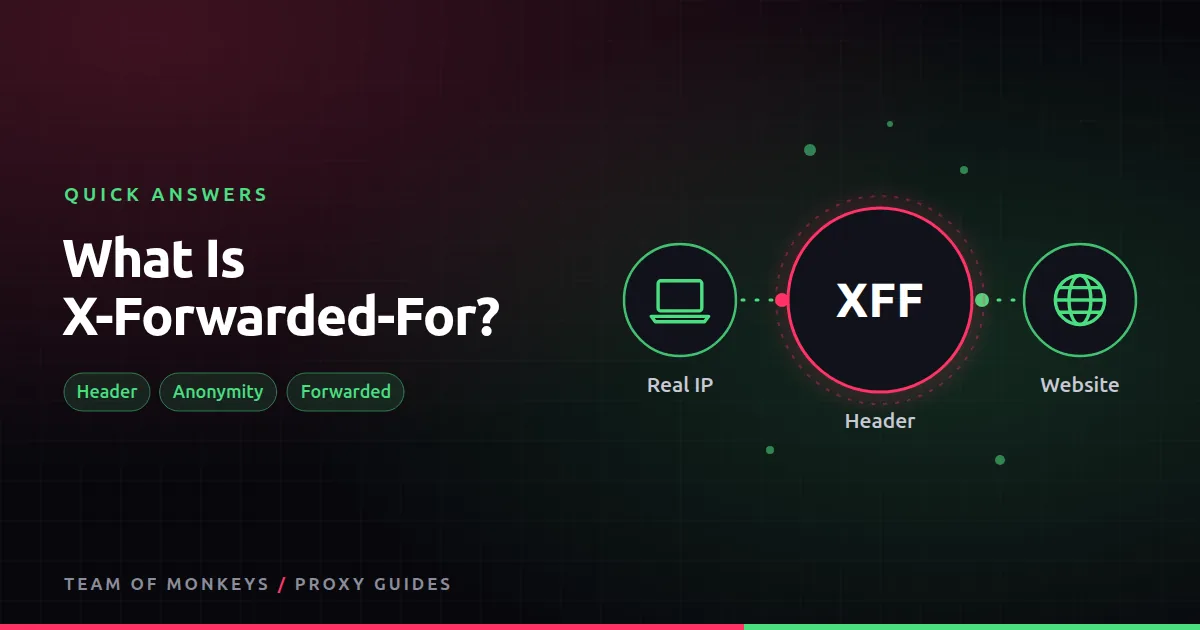
X-Forwarded-For (XFF) is a request header in the form X-Forwarded-For: 203.0.113.10. A proxy that adds it is telling the website, "I am forwarding this for 203.0.113.10". The standardised version is the Forwarded header.
Why it matters
If your proxy adds XFF with your real IP, the site knows exactly who you are, and the proxy hides nothing. Commercial proxies built for scraping or privacy do not add it. Reverse proxies and load balancers in front of websites use it legitimately, so the site's own servers know the visitor's IP.

Also known as
XFF, Forwarded header, client IP header.
Learn more
- Proxy anonymity levels
- What is an elite proxy?
- What is a transparent proxy?
- How to check if a proxy works
- MDN on X-Forwarded-For
- RFC 7239, the Forwarded header
- RFC 9110, HTTP semantics
- Wireshark, to inspect the headers you send
Affiliate disclosure: Team of Monkeys is an affiliate of Geonode, Webshare and Rayobyte. Links and banners marked as sponsored, and links to Geonode, Webshare and Rayobyte in the text, use our referral links, and we may earn a commission if you buy through them, at no extra cost to you. Our explanations and comparisons are written to be useful whichever provider you choose.
Editorial note: Proxy providers change their pools, features and prices often, so treat any figures here as typical ranges at the time of writing and confirm current terms with the provider before you buy.
Editorial note: Proxy providers change their pools, features and prices often, so treat any figures here as typical ranges at the time of writing and confirm current terms with the provider before you buy.