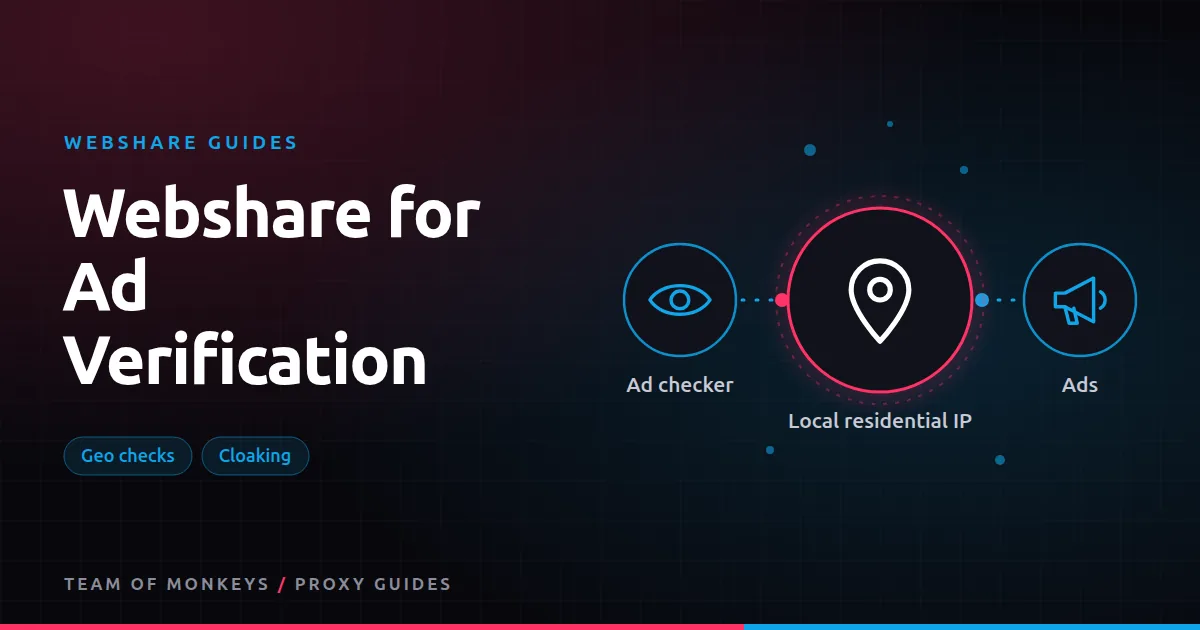
What ad verification needs
Ad verification means checking that ads appear where they should, look right, and send users to the right place. Campaigns are geo-targeted, so checks have to come from the right locations. And fraudsters often hide bad behaviour from known datacenter and verification IPs, showing clean pages to checkers and something else to real users. Background in ad verification proxies.
So ad verification needs proxies that are:
- Residential, so they look like real users.
- Geo-targetable, down to city level for local campaigns.
- Varied, so checks aren't easy to fingerprint.
Webshare's rotating residential network, with country, state, city, ZIP and ASN targeting, fits these needs.
What to check
- Placement: is the ad on the sites and apps you paid for?
- Creative: are the right images, copy and language shown in each market?
- Landing pages: does the click go to the right localised page, without broken redirects?
- Affiliate links: are tracking parameters preserved through redirects?
- Compliance: are required disclosures visible in each region?
- Fraud and cloaking: do real users see different content than verification tools?
Setting up checks
- List markets to check: countries, and cities for local campaigns.
- Use a session per check so the full click path (ad, redirect, landing page) uses one IP. See Webshare sticky sessions.
- Use a real browser (Playwright or Puppeteer) with locale and timezone matched to the IP. See Webshare with Playwright.
- Capture evidence: screenshots, final URLs and redirect chains.
- Schedule checks across the day, since some ad fraud runs at specific hours.
Catching cloaking
Compare what a residential IP sees with what a datacenter IP sees for the same ad. Large differences in landing pages are a red flag. Webshare makes this easy because both proxy types live in one account. Rotating through different ISPs with ASN targeting can also catch schemes that target specific networks.
Mobile vs desktop
Many campaigns target mobile users. Use mobile user agents and viewport sizes in your browser automation for those checks; residential IPs paired with a mobile browser profile are a good approximation of mobile users.
Budget tip: Before scaling, run a short pilot with Webshare on your real targets and record success rate, latency and bandwidth per result. Our our complete Webshare guide explains which Webshare product fits which job.
Costs
Ad checks use a browser and load full pages, so they're bandwidth-heavy. Keep screenshots and full loads for the checks that need them and block heavy media elsewhere.
Comparing providers
Geonode supports country, state, city and ASN targeting on its residential pool, with non-expiring bandwidth that suits irregular verification schedules. See Webshare vs Geonode for ad verification.
A verification run, step by step
- Load the campaign list: markets, placements and expected creatives.
- For each check, open a browser context with a residential session in the market.
- Set locale and timezone to match.
- Load the placement and locate the ad.
- Screenshot it, then click through and follow redirects.
- Record the final URL, landing page screenshot and timing.
- Compare against expectations and flag mismatches.
What to flag
| Issue | Example |
|---|---|
| Wrong market | Ad shown with the wrong language or currency |
| Broken landing | Redirect loop, 404 or slow page |
| Lost tracking | Affiliate or UTM parameters stripped |
| Unsafe placement | Ad next to content that breaches brand guidelines |
| Cloaking | Landing page differs between residential and datacenter views |
Scheduling checks
Spread checks across the day and week. Some fraud runs only at night or on weekends, and some placements rotate by hour. A random schedule within business rules catches more than fixed times.
Proxy tip: For a second opinion on hard targets, run the same test through Geonode residential proxies, which support sticky sessions up to 24 hours and ASN targeting. We compare the two in Geonode for ad verification.
Reporting
Share results with screenshots, final URLs and timestamps. Evidence is what makes ad networks and partners act on a complaint.
A real-world example
A performance marketing team runs geo-targeted display campaigns in 12 US metros. Every morning, a Playwright job opens a residential session in each metro through Webshare, visits a sample of publisher pages, screenshots the ads it finds, clicks through, and records the landing page and redirect chain. In the first week it catches a publisher showing their ads in the wrong metro and a broken tracking parameter on one creative, saving a meaningful share of the budget.
If you're still shortlisting, compare this setup with the options in our best proxies guide, and use our cheap proxies guide to estimate what a sensible budget looks like. To understand the IP type behind this, read our residential proxies guide.
Key takeaways
- Ad verification needs residential IPs with accurate geo-targeting to see what real users see.
- Follow each ad's full click path on one sticky session.
- Compare residential and datacenter views to catch cloaking.
- Capture screenshots, final URLs and redirect chains as evidence.
- Schedule checks across the day, since some fraud runs at specific hours.
FAQ
Why can't I use datacenter proxies for ad verification?
Ad networks and fraudsters often treat datacenter IPs differently from real users, so you may not see what users see.
How granular should location targeting be?
As granular as the campaign. City-targeted campaigns need city-level checks.
Can I verify affiliate links with Webshare?
Yes. Follow the full redirect chain from a residential IP in the target market and check that parameters survive.
Do I need city-level targeting for ad checks?
For city-targeted campaigns, yes. For national campaigns, country targeting is enough.
Can I check mobile ads?
Yes, with mobile user agents and viewports in your browser automation.
How many checks per day are typical?
It depends on campaign size; many teams sample a set of placements per market daily.
Editorial note: Proxy providers change their pools, features and prices often, so treat any figures here as typical ranges at the time of writing and confirm current terms with the provider before you buy.