Why rank tracking needs proxies
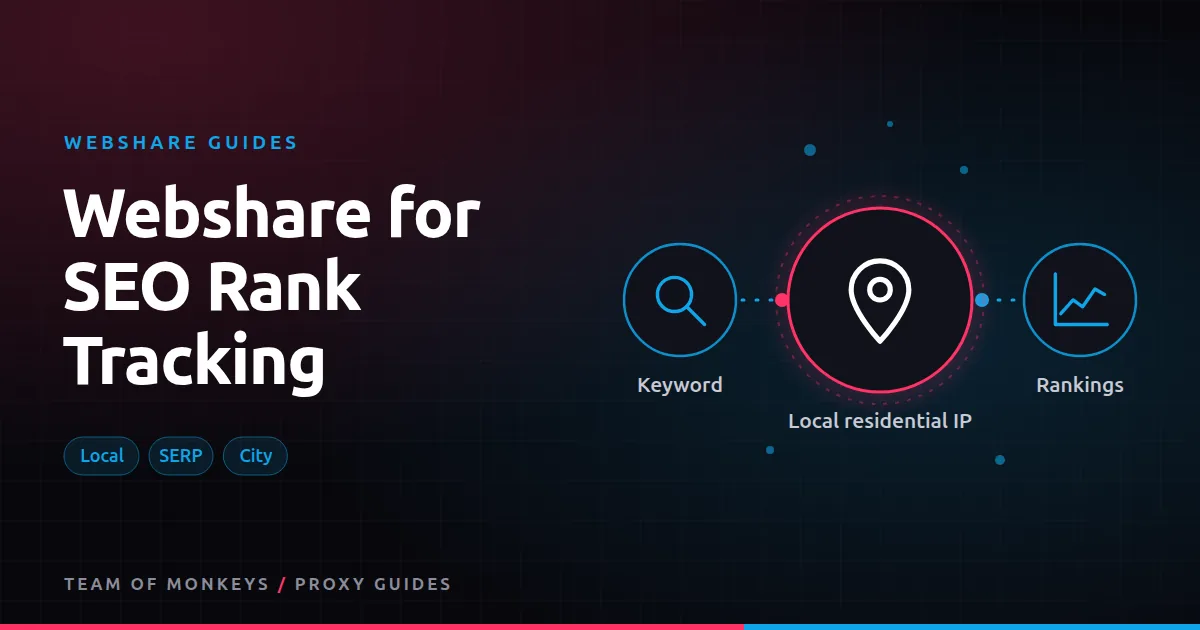
Search results change with location, language, device and personalisation. To see what a searcher in Denver or Manchester sees, you have to search from there. And search engines limit automated queries hard, so a single IP gets throttled or challenged quickly. Proxies solve both problems. Background in SEO proxies and Google SERP scraping proxies.
Which Webshare product
| Task | Product | Why |
|---|---|---|
| Querying search engines | Rotating residential | Search engines are strict with datacenter ranges |
| City-level local rankings | Residential with city or ZIP targeting | Local packs and maps depend on location |
| Crawling your own or competitors' sites for SEO audits | Datacenter list | Most sites are lenient; datacenter is cheap |
| Checking SEO tools' dashboards from one IP | Dedicated datacenter or static residential | Stable login IP |
For search engine queries, use Webshare's rotating residential network. Datacenter IPs tend to hit CAPTCHAs quickly on major search engines.
Local and city-level tracking
Local SEO depends on precise location. Webshare's residential targeting goes down to city and ZIP code, which suits local pack and map tracking. Tips:
- Combine IP and parameters. Set the search engine's location and language parameters as well as the proxy location; together they give the most consistent results.
- Use city targeting only where results differ. For national keywords, country targeting is cheaper and more reliable.
- Keep the device consistent. Mobile and desktop results differ; track them separately with matching user agents.
Pacing and volume
- One query per IP per request. Use the rotate option so each query leaves from a new IP.
- Spread queries over the day. A steady trickle is far less likely to be challenged than a burst.
- Retry with a new IP on CAPTCHAs rather than solving them, up to a small limit.
- Track success rate per keyword batch so you notice when defences change.
Parsing results reliably
Search pages change layout often. Store the raw HTML for a sample of queries so you can re-parse when your parser breaks, and validate each result (for example, that ten organic results were found) to catch block pages served with a 200 status.
Budget tip: You can test most of this guide for free: Webshare gives every new account 10 datacenter proxies and 1 GB of bandwidth a month without a credit card. Move to a paid plan once the pilot works. See our complete Webshare guide.
Keeping costs down
Residential traffic is billed per GB, and search pages can be heavy. To reduce cost:
- Request HTML only; don't render JavaScript unless you must.
- Disable images and scripts in any browser-based checks.
- Track only keywords that matter, at the frequency you need. Daily is plenty for most.
Building or buying
Many teams use a rank tracking SaaS and only run their own scraping for gaps (unusual locations, competitors' long-tail keywords, SERP features). Webshare proxies work well for those custom checks. For a managed alternative with built-in rendering, Geonode's Scraper API is one option; compare in Webshare vs Geonode for SEO.
Sizing a rank tracking plan
Monthly GB = keywords x locations x devices x checks per month x KB per SERP / 1,000,000 / success rate
| Program | Calculation | Approx. GB per month |
|---|---|---|
| 500 keywords, 1 country, desktop, daily | 500 x 1 x 1 x 30 x 250 KB / 0.9 | About 4 |
| 2,000 keywords, 5 cities, desktop and mobile, daily | 2,000 x 5 x 2 x 30 x 250 KB / 0.85 | About 175 |
| 10,000 keywords, 1 country, weekly | 10,000 x 4 x 250 KB / 0.9 | About 11 |
This shows why location and device multipliers matter more than keyword count. Track cities and mobile only where results really differ.
What to store per check
- Keyword, location, device, language, timestamp.
- Organic positions with URLs and titles.
- SERP features present (local pack, shopping, videos, AI answers).
- The raw HTML for a sample, so you can re-parse.
Spotting tracking problems
| Symptom | Likely cause |
|---|---|
| Sudden position swings across all keywords | Parser broke or block pages slipped through |
| Local results look national | Location parameters or IP targeting not applied |
| Many empty results | CAPTCHAs; slow down or improve request quality |
| Results differ wildly run to run | Personalisation; clear cookies, use fresh sessions |
Proxy tip: If your residential usage goes up and down, compare Geonode: its per-GB residential bandwidth doesn't expire, so you only pay for what you use. See Geonode for SEO rank tracking.
Datacenter for the rest of SEO
Rank checks need residential IPs, but most other SEO work doesn't. Crawling your own site, auditing competitors' sites, checking redirects and monitoring page changes all run well on cheap datacenter lists.
A real-world example
A multi-location dental group wants to know how each of its 18 clinics ranks for "dentist near me" style searches. A national rank tracker shows only city-wide averages. The agency runs a small script through Webshare residential proxies with ZIP targeting around each clinic, with matching language and location parameters, once a week on mobile. The data shows two clinics invisible in their own neighbourhoods, which leads to fixes in their local listings within a month.
Webshare and Geonode are two options among many. Our best proxies in 2026 guide explains how to match a proxy type to each task, and cheap proxies that work shows where budget providers fit. To understand the IP type behind this, read our residential proxies guide.
Key takeaways
- Search engines challenge datacenter IPs quickly, so rank tracking needs residential traffic.
- City and ZIP targeting support local pack and map tracking.
- Location and device multipliers drive bandwidth more than keyword count.
- Validate each SERP and store raw HTML samples for re-parsing.
- Site audits and crawls run cheaply on datacenter lists.
FAQ
Can I use Webshare datacenter proxies for Google?
Expect frequent CAPTCHAs. Residential IPs work much better for search engines.
How accurate is proxy-based rank tracking?
Close to what real users see when IP location, search parameters, language and device all match.
Do I need city-level proxies for local SEO?
For local packs and map results, yes. For national rankings, country-level is enough.
How many keywords can I track with a small residential plan?
At about 250 KB per SERP, 1 GB covers roughly 3,500 to 4,000 checks.
Should I track mobile and desktop separately?
Yes. Rankings often differ, especially for local searches.
Can I track rankings in other search engines?
Yes. The same approach works for other engines; adjust parsers and parameters for each.
Editorial note: Proxy providers change their pools, features and prices often, so treat any figures here as typical ranges at the time of writing and confirm current terms with the provider before you buy.