The problem proxies solve
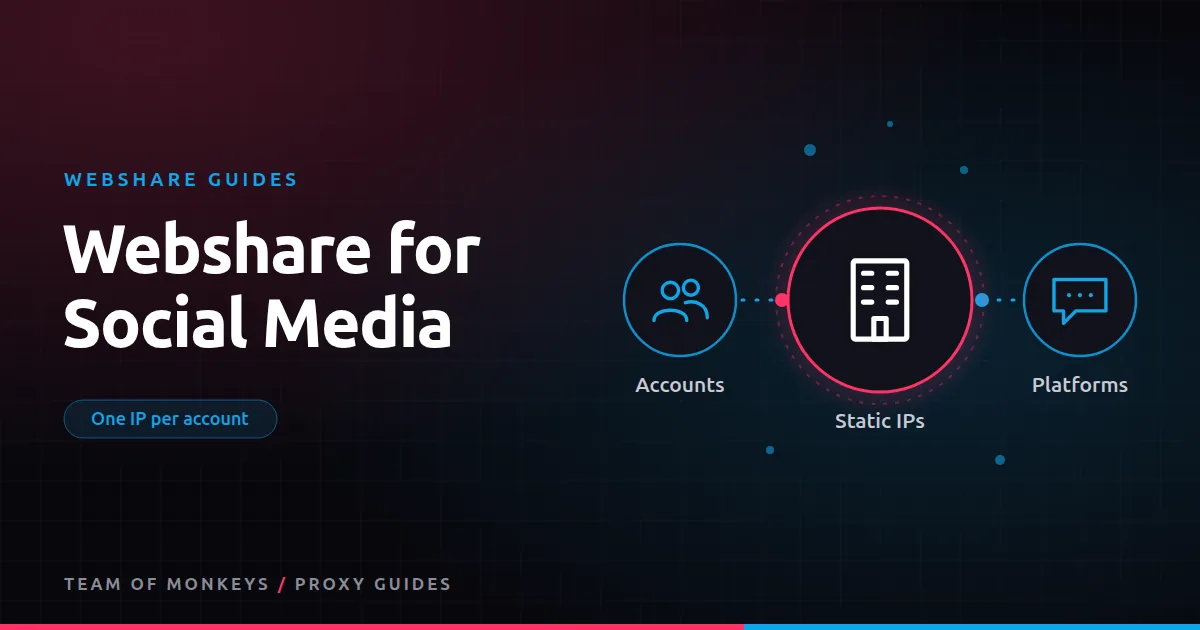
Social platforms watch for many accounts operating from one IP. If an agency logs into 30 client accounts from the office connection, platforms may link them, and a problem with one account can spread to others. Giving each account its own consistent IP keeps them separate. Background in social media management proxies.
The right Webshare product
For account management, use Webshare's dedicated static residential (ISP) proxies:
- They look like home connections to platforms.
- They never change, so each account always logs in from the same place.
- They're dedicated, so no other customer's behaviour affects them.
- They're priced per IP at a low monthly cost.
Avoid shared datacenter IPs for accounts, and avoid rotating residential for daily logins, since changing IPs look like account takeovers. See Webshare static residential proxies.
Setting up
- Buy one dedicated static IP per account, in the country (and region, where possible) the account normally operates from.
- Create one browser profile per account in an antidetect browser, with that IP. See Webshare with antidetect browsers.
- Match timezone and language to the IP.
- Record the mapping of account, profile and IP.
- Log in gradually, not all accounts in one burst.
Scheduling and management tools
Many social media management platforms connect to accounts through official APIs, which don't need proxies at all. Proxies matter when you log in through a browser: posting content that isn't supported by APIs, responding to messages, running ads manager sessions or checking accounts manually.
Local research
Social content, ads and trends vary by location. For research rather than account work, use rotating residential traffic with country or city targeting to see what local users see, without logging in.
Safety habits
- Keep each account on its own IP permanently.
- Don't switch accounts between countries.
- Follow each platform's rules on automation and multiple accounts.
- Use two-factor authentication on every account.
Budget tip: You can test most of this guide for free: Webshare gives every new account 10 datacenter proxies and 1 GB of bandwidth a month without a credit card. Move to a paid plan once the pilot works. See our complete Webshare guide.
Platform guides
Comparing providers
Geonode also sells static ISP proxies with unmetered bandwidth and integrates with several antidetect browsers. Compare prices and locations in Webshare vs Geonode for social media.
An agency onboarding checklist
For each new client:
- List the accounts you'll manage, with their countries.
- Assign one dedicated static residential IP per account.
- Create one browser profile per account with matching locale and timezone.
- Store the mapping and credentials in your password manager.
- Log in to each account once from its new profile, spaced out over a few days.
- Enable two-factor authentication.
- Document who on your team uses which profile.
When a client leaves
Remove the client's profiles, retire or reassign the IPs (after a cooling-off period), and revoke any shared credentials. Don't reuse a departed client's IP for a new client's accounts immediately.
Proxy tip: If your residential usage goes up and down, compare Geonode: its per-GB residential bandwidth doesn't expire, so you only pay for what you use. See Webshare vs Geonode.
Scheduling tools and proxies
If you use a scheduling tool that posts through official APIs, proxies aren't involved. If your team logs in through browsers to reply to messages or use features the API doesn't cover, do it only through each account's profile and IP. Mixing the two (API from the tool, browser from the office IP) is common and usually fine, but avoid logging in from personal devices outside the setup.
Cost per account
At Webshare's list prices, a dedicated static IP costs a small fraction of a typical social media management fee per account. Including it in your service pricing makes the setup sustainable.
A real-world example
A social media agency managing 60 accounts for 15 clients used to log in from the office network and occasionally saw accounts asked to verify identity. They move every account onto its own dedicated static residential IP in the client's country and a separate antidetect browser profile. Verification prompts drop sharply, and when a client leaves, they simply archive that client's profiles and retire the IPs.
For the bigger picture beyond these two providers, read our best proxies buyer's guide, and see cheap proxies for ways to cut cost per successful request. To understand the IP type behind this, read our residential proxies guide.
Key takeaways
- Give each social account its own dedicated static residential IP in its usual country.
- Pair each IP with its own browser profile, ideally in an antidetect browser.
- Avoid shared datacenter IPs and rotating IPs for logged-in account work.
- Tools that post through official APIs don't need proxies.
- Keep an inventory of accounts, profiles and IPs, and offboard clients cleanly.
FAQ
How many proxies do I need for 20 social accounts?
Twenty dedicated static IPs, one per account, plus a couple of spares.
Can I use Webshare free proxies for social media?
Not for real accounts. They're shared datacenter IPs. Use dedicated static residential IPs.
Do social media management tools need proxies?
Tools using official APIs don't. Browser-based logins and manual management benefit from one IP per account.
Can I use one static IP per client instead of per account?
Accounts for the same client may be linked anyway, but separate IPs per account remain the safer default.
Do I need proxies for scheduling posts?
Not if your tool posts through official APIs.
What if my team works from different countries?
Keep each account's IP in its home country; team members connect through the account's profile and IP.
Editorial note: Proxy providers change their pools, features and prices often, so treat any figures here as typical ranges at the time of writing and confirm current terms with the provider before you buy.