Two very different jobs
People use proxies with Instagram for two reasons:
- Managing accounts: brands, agencies and creators running several accounts.
- Researching public content: hashtags, competitor profiles, influencer discovery and trend tracking.
They need different products from Webshare. Background in Instagram proxies.
Managing accounts
Instagram links accounts that share IPs and devices, and it watches for sudden location changes. For accounts:
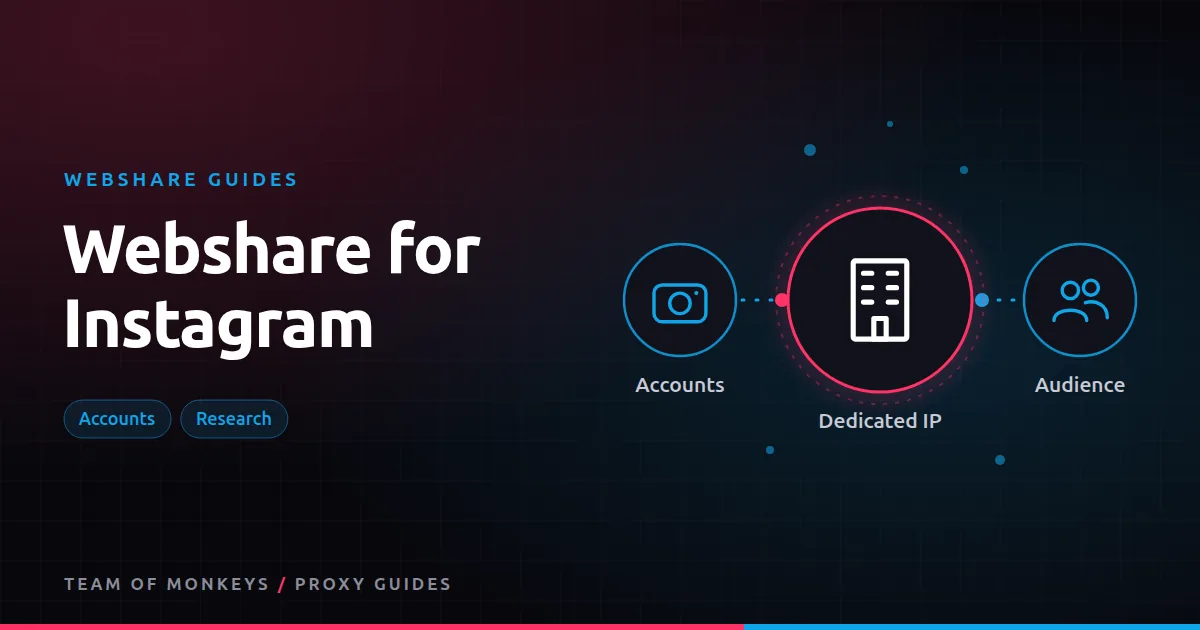
- Use dedicated static residential IPs, one per account. They look residential and never change. See Webshare static residential proxies.
- Use a separate browser profile or device per account, ideally in an antidetect browser. See Webshare with antidetect browsers.
- Keep the IP's country the same as the account's usual location.
- Never share an IP between accounts.
Avoid shared datacenter proxies and rotating IPs for logged-in accounts.
Mobile considerations
Instagram is a mobile-first platform, and some users prefer mobile proxies for account work because mobile carrier IPs are shared by many real users. Webshare doesn't sell mobile proxies; its static residential IPs are the closest option and work well for most account management, especially through the web interface or an antidetect browser.
Warming up and avoiding action blocks
- Start slowly with new accounts or new IPs: browse, follow a few accounts, post occasionally.
- Avoid automation bursts like mass follows, likes or DMs. These trigger action blocks regardless of proxy quality.
- Keep sessions consistent: same IP, same device profile, same timezone.
Researching public content
For public data (profiles, posts, hashtags) without logging in, use rotating residential traffic and keep request rates low. Instagram limits logged-out access heavily, so expect to work within those limits, and respect privacy: collect only what you need, and avoid personal data you have no reason to keep.
Official APIs (for business and creator accounts) are the better route for your own accounts' analytics.
Budget tip: You can test most of this guide for free: Webshare gives every new account 10 datacenter proxies and 1 GB of bandwidth a month without a credit card. Move to a paid plan once the pilot works. See our complete Webshare guide.
Which product for which task
| Task | Webshare product |
|---|---|
| Daily management of client accounts | Dedicated static residential, one per account |
| Checking how a profile looks from another country | Rotating residential, country-targeted |
| Public hashtag and profile research | Rotating residential, slow pace |
| Testing your setup | Free plan |
Comparing providers
Geonode offers static ISP proxies and residential traffic suited to Instagram work too. See Webshare vs Geonode for Instagram.
A safe setup for agencies
| Step | Detail |
|---|---|
| IP | One dedicated static residential IP per account, in the account's country |
| Browser | One antidetect or separate browser profile per account |
| Device signals | Matching timezone, language and screen size |
| Login | Two-factor authentication, logged in once per profile |
| Activity | Human-paced posting and replies |
| Records | Account, profile and IP mapping in a password manager |
Research without risk to accounts
Keep research traffic completely separate from account traffic. Use rotating residential sessions with no login for research, and never browse research targets from an account's profile. That way, rate limits or blocks on research traffic can't affect managed accounts.
Responding to challenges
If Instagram asks an account to verify:
- Complete the verification from the account's usual profile and IP.
- Pause automation for that account.
- Review recent activity for bursts.
- Keep the IP the same unless it's clearly flagged.
Proxy tip: If your residential usage goes up and down, compare Geonode: its per-GB residential bandwidth doesn't expire, so you only pay for what you use. See Geonode for Instagram.
What proxies can't fix
Proxies stop accounts being linked by IP. They don't make spammy behaviour safe, bypass Instagram's rules or recover banned accounts. Treat them as one part of a careful account management process.
A real-world example
A boutique influencer agency manages eight brand accounts. Each account runs in its own browser profile with a dedicated static residential IP in the brand's country. Research into competitors' public profiles and hashtags runs separately through rotating residential sessions without logging in. Over a year, none of the managed accounts are linked or restricted, and the research workflow never touches account profiles.
If you're still shortlisting, compare this setup with the options in our best proxies guide, and use our cheap proxies guide to estimate what a sensible budget looks like. To understand the IP type behind this, read our residential proxies guide.
Key takeaways
- Use dedicated static residential IPs for Instagram accounts and rotating residential for public research.
- Keep each account on one IP, one profile and consistent device signals.
- Warm up new accounts slowly; action blocks come from behaviour, not proxies.
- Keep research traffic completely separate from managed accounts.
- Webshare doesn't sell mobile proxies; static residential IPs suit most web-based management.
FAQ
What is the best Webshare proxy for Instagram?
Dedicated static residential proxies for accounts, and rotating residential for public research.
Will a proxy stop Instagram from banning my account?
No. Proxies prevent IP-based linking between accounts. Bans usually come from behaviour, such as aggressive automation or spam.
Can I run five Instagram accounts on one proxy?
It's risky. Use one dedicated IP per account.
Can I use Instagram's mobile app with a Webshare proxy?
You can set a device-level proxy, but mobile apps may handle proxies differently; the web interface with a dedicated profile is often more predictable.
Is it safe to run several Instagram accounts?
Instagram allows multiple accounts within its rules; keep each on its own IP and profile and avoid spam-like behaviour.
What location should my Instagram proxy be in?
The account's usual country, ideally the region where it was created.
Editorial note: Proxy providers change their pools, features and prices often, so treat any figures here as typical ranges at the time of writing and confirm current terms with the provider before you buy.