Why Webshare is popular with scrapers
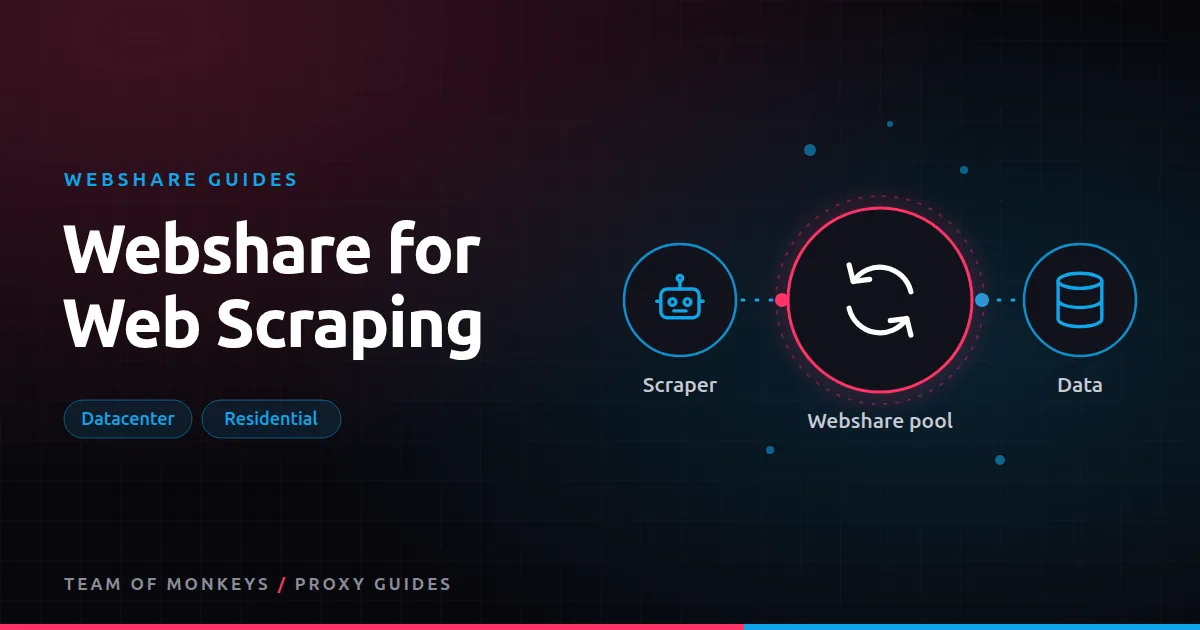
Webshare suits scraping because it lets you start cheap and scale only the expensive part. Most scraping jobs mix easy and hard targets. With Webshare you can run the easy ones on low-cost datacenter lists and send only the hard ones through residential traffic, all from one account. General background in web scraping proxies.
Matching product to target
| Target type | Examples | Webshare product |
|---|---|---|
| Lenient | Small shops, directories, public data portals, many APIs | Shared or private datacenter list |
| Moderate | Mid-size retailers, classifieds, news sites | Private datacenter, then residential if blocked |
| Protected | Big marketplaces, travel, search engines, social platforms | Rotating residential |
| Logged-in | Dashboards, account areas | Session username or dedicated static residential IP |
Test before you decide; see testing Webshare proxies.
Rotation strategy
- Independent pages (product pages, articles): rotate per request. With a direct list, rotate in code; with the backbone, use the rotate option.
- Paginated lists and search results: keep one IP per listing using a session. See Webshare sticky sessions.
- Logged-in flows: one fixed IP per account.
More strategies in proxy rotation strategies.
A pattern that scales
- Classify targets into datacenter and residential groups based on testing.
- Route per domain: a small function decides which proxy pool a URL uses.
- Track success per domain and per pool and move domains between groups when their defences change.
- Back off on 429s and blocks instead of retrying instantly.
RESIDENTIAL = {"bigshop.example", "travel.example"}

def proxy_for(url):
    host = url.split("/")[2]
    if host in RESIDENTIAL:
        return f"http://{USER}-rotate:{PASS}@p.webshare.io:80"
    return next(datacenter_pool)  # a direct list rotated in code
Tools
- Python: requests, HTTPX and aiohttp or Scrapy.
- Node.js: fetch, axios and got.
- Browsers: Puppeteer, Playwright and Selenium.
Controlling bandwidth and cost
On datacenter plans, bandwidth and threads are plan settings; on residential, bandwidth is the bill. To keep costs down:
- Fetch HTML or JSON instead of rendering, wherever possible.
- In browsers, block images, media and fonts.
- Cache pages and skip unchanged ones.
- Avoid scraping the same URL from several workers.
See Webshare bandwidth and threads.
Budget tip: You can test most of this guide for free: Webshare gives every new account 10 datacenter proxies and 1 GB of bandwidth a month without a credit card. Move to a paid plan once the pilot works. See our complete Webshare guide.
Avoiding blocks
Proxies are one part of not getting blocked. The others matter just as much:
- Realistic headers and TLS. Use current browser user agents and consistent header sets.
- Reasonable rates per IP and per domain. See rate limiting and proxies.
- Browser fingerprints that match the proxy location. See browser fingerprinting and proxies.
- Handle CAPTCHAs by slowing down and improving quality before solving them. See CAPTCHAs and proxies.
More in avoid IP bans when scraping.
Scraping responsibly
Collect public data, respect robots.txt where appropriate, avoid personal data you don't need, and don't overload sites. See ethical web scraping. Some targets are restricted on Webshare's residential network; see restricted sites and KYC.
When to add a second provider
If residential traffic becomes a large share of your spend, compare per-GB costs and terms with another provider. Geonode lists lower per-GB residential rates and also offers a Scraper API for targets you'd rather not manage yourself. See Webshare vs Geonode for web scraping.
A scraping architecture that stays cheap
| Layer | Role | Webshare product |
|---|---|---|
| URL discovery | Sitemaps, category pages | Datacenter list |
| Bulk fetching | Product, article and listing pages | Datacenter list, residential for hard domains |
| Session work | Pagination, logged-in areas | Session username or dedicated static IP |
| Rendering | JavaScript-only pages | Headless browser through residential, resources blocked |
Keep each layer on the cheapest product that works, and only escalate the domains that need it.
Scheduling crawls
- Spread work over time. A crawl that runs evenly over six hours is far less likely to be blocked than one that runs in twenty minutes.
- Respect site hours for small sites, avoiding their peak traffic times.
- Use incremental crawls, fetching only new or changed pages after the first full crawl.
Proxy tip: If your residential usage goes up and down, compare Geonode: its per-GB residential bandwidth doesn't expire, so you only pay for what you use. See Webshare vs Geonode.
Quality checks on scraped data
- Validate required fields on every record.
- Watch for sudden drops in record counts per domain.
- Sample records weekly against the live site.
- Flag pages that parse but return suspicious values (for example, zero prices).
Scaling from hobby to production
Start on the free plan, move to a small datacenter list, add residential for hard targets, then add monitoring, alerting and per-domain routing. At each step, track cost per 1,000 records. When a single target dominates your cost, consider an alternative method for it, such as an official API, a data partner, or a managed scraping API.
A real-world example
A startup aggregates public event listings from 600 venue and ticketing sites. Profiling the targets shows 560 accept datacenter traffic, 35 need residential IPs, and five render everything with JavaScript. They run the 560 through a 1,000-IP Webshare datacenter list, the 35 through rotating residential with sessions per listing page, and the five through Playwright with images blocked. Cost per 1,000 events collected stays low because more than 90% of requests never touch per-GB traffic.
Before you commit to any provider, it helps to see the wider market: our guide to the best proxies in 2026 compares proxy types by job, and cheap proxies explains how to keep costs down without buying IPs that get blocked.
Key takeaways
- Webshare suits scraping because cheap datacenter lists handle most targets and residential handles the rest.
- Route traffic per domain to the cheapest proxy type that works, and review routing monthly.
- Rotate for independent pages, use sessions for pagination and fixed IPs for logins.
- Proxies are only part of avoiding blocks; headers, fingerprints and rates matter too.
- Validate content so block pages don't end up in your data.
FAQ
Are Webshare datacenter proxies good for scraping?
Yes, for lenient and moderate targets. For heavily protected sites, use residential.
How many Webshare proxies do I need for scraping?
For datacenter lists, enough that each IP stays under the target's per-IP limit at your required speed. For residential, the pool is shared, so you size by GB.
Can Webshare render JavaScript for me?
No. Webshare provides proxies. Use a headless browser with the proxies, or a scraping API if you'd rather not run browsers.
How do I know if a site needs residential proxies?
If datacenter IPs are blocked at slow, polite rates with good headers, the site likely needs residential.
Is scraping with Webshare legal?
Proxies are legal tools; what you collect and how you use it must follow the law and site terms. See are proxies legal.
Can I scrape logged-in pages with Webshare?
Yes, with a fixed IP or session per account, and only where you have the right to access the data.
Editorial note: Proxy providers change their pools, features and prices often, so treat any figures here as typical ranges at the time of writing and confirm current terms with the provider before you buy.