What the Scraping API does
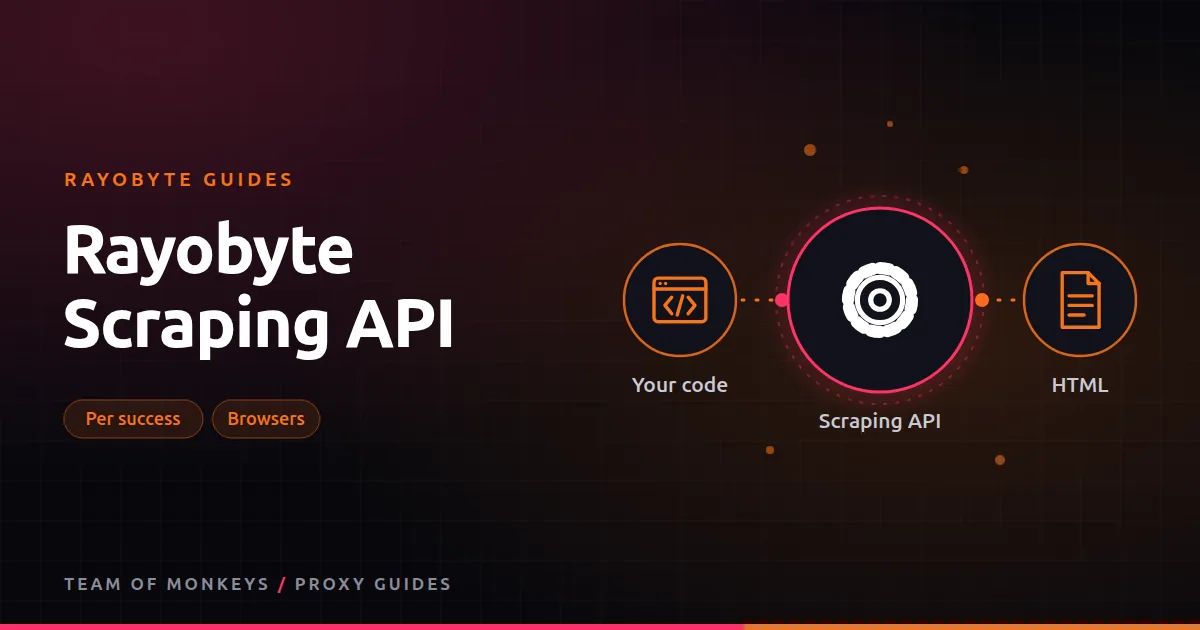
With a proxy, you get an IP and do everything else yourself: browsers, retries, headers, CAPTCHA handling and parsing. With Rayobyte's Scraping API, you send a URL and get the page's HTML back. Rayobyte handles the proxies, launches browsers when a page needs JavaScript, and retries failed attempts. You pay only for successful requests.
The product started life in 2019 as Scraping Robot and was folded into the Rayobyte brand later. If you're weighing the two approaches in general, see scraping APIs vs proxies.
Pricing
At the time of writing:
- Free: 5,000 requests, no plan needed.
- Self-serve: $0.0018 per successful request, up to 500,000 requests a month. That's $1.80 per 1,000 pages.
- Volume (500,000+ a month): from $0.00004 per request, quoted by sales from a sample of your URLs.
The volume floor is dramatically lower than self-serve. Rayobyte quotes from your URLs because cost depends heavily on the target: a static page is cheap to fetch, while a JavaScript-heavy page behind bot protection needs browsers and several attempts.
What it returns
The API returns the page as HTML. You still parse it yourself, with a library like BeautifulSoup, lxml, Cheerio or your favorite parser. That's a deliberate design: you get a reliable fetch layer and keep full control over the data you extract.
When the API beats raw proxies
- You don't want to run browsers. Headless Chrome at scale is expensive and fiddly; the API runs browsers for you.
- Your targets are hard. Retries and block handling are built in.
- Your volume is moderate. At $1.80 per 1,000 pages, small and medium projects often cost less than proxies plus engineering time.
- You need predictable cost per page. Paying per success makes budgeting easy.
Residential tip: Before scaling, run a short pilot with Rayobyte on your real targets and record success rate, latency and GB per result. Our Rayobyte for web scraping explains which Rayobyte product fits which job.
When raw proxies are better
- Very high volumes on easy targets. Rotating datacenter traffic at about $0.30 per GB can fetch thousands of light pages for pennies.
- Logged-in or multi-step flows that need your own session logic.
- Non-HTML endpoints like JSON APIs, where a plain proxy is simpler.
- Custom browser behavior such as clicking, scrolling and form filling. Consider rayobrowse or your own Puppeteer setup. Our Puppeteer proxies guide covers the full setup.
A quick cost comparison
| Job | Scraping API | Raw proxies |
|---|---|---|
| 50,000 product pages, light protection | About $90 | A few dollars of datacenter traffic, plus your code |
| 50,000 product pages, strong protection | About $90 | Residential traffic and browsers, often more |
| 2 million pages a month | Volume quote | Usually cheaper on proxies with good engineering |
Using it well
- Start with the 5,000 free requests on your real URLs.
- Measure success rate and response time per domain.
- Keep easy domains on raw proxies and send only the hard ones to the API.
- If you pass 500,000 requests a month, ask for a volume quote with a URL sample.
The Web Unblocker alternative
If you like the idea of managed unblocking but want to keep using your own HTTP client, the Web Unblocker works as a proxy endpoint instead of an API call, and is billed per GB of successful traffic.
Proxy tip: If your residential usage goes up and down, compare Geonode: its per-GB residential bandwidth doesn't expire, so you only pay for what you use. See the Geonode Scraper API.
How it compares
Geonode sells a Scraper API too, with 1,500 free requests a month, plus Map, Crawl and Search APIs, and it can return Markdown as well as HTML. Webshare doesn't sell a scraping API. See Rayobyte vs Geonode scraping APIs and scraping APIs across all three.
If you're still shortlisting, compare these options with the wider market in our best proxies guide, and use our cheap proxies guide to estimate a sensible budget.
Budget tip: If you want a cheap proxy to try this with, Webshare has a free plan with 10 datacenter proxies and 1 GB of bandwidth a month, no card required. Paid lists let you pick proxy count, bandwidth and location. See Webshare for web scraping.
Key takeaways
- Send a URL, get HTML; Rayobyte handles proxies, browsers and retries.
- $0.0018 per successful request self-serve, 5,000 free requests to start.
- Volume pricing from $0.00004 per request is quoted from your URLs.
- Best for hard targets and moderate volumes; raw proxies win on easy, huge jobs.
FAQ
Do I pay for failed requests?
No. The Scraping API is billed per successful request.
Does the Scraping API render JavaScript?
Rayobyte says it includes browsers, so pages that need JavaScript are rendered before the HTML is returned.
Is Scraping Robot the same as the Rayobyte Scraping API?
Yes. Scraping Robot was the original name of Rayobyte's scraping API when it launched in 2019.
Editorial note: Proxy providers change their pools, features and prices often, so treat any figures here as typical ranges at the time of writing and confirm current terms with the provider before you buy.