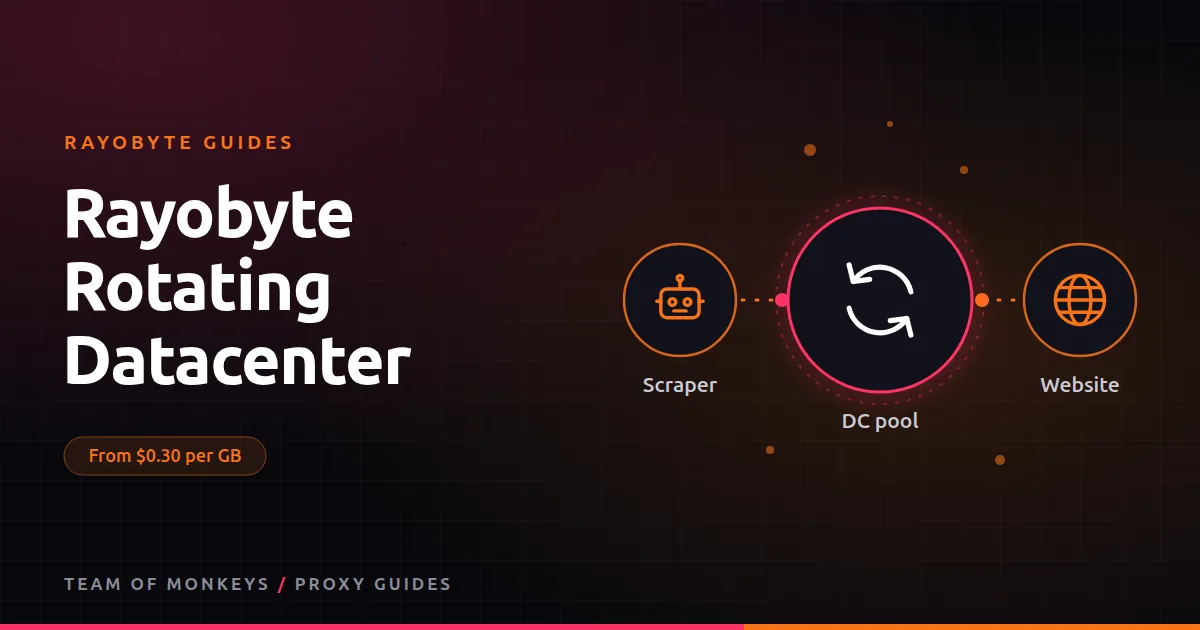
What rotating datacenter proxies are
A rotating datacenter proxy gives you a single gateway that sends each request (or each session) out through a different datacenter IP. You don't manage a list; Rayobyte does the rotation. Datacenter IPs are the cheapest and fastest kind of proxy, and rotation spreads your requests so no single IP builds up a suspicious history. For background, see our rotating datacenter proxies guide.
Pricing
At the time of writing, rotating datacenter traffic costs:
| Pay as you go | Price per GB |
|---|---|
| 3 to 50 GB (3 GB minimum) | $0.30 |
| 51 to 150 GB | $0.28 |
| 151 to 350 GB | $0.25 |
| 351 to 1,000 GB | $0.23 |
Monthly plans through sales are cheaper still: $100 for 7,600 GB, $500 for 47,000 GB, $1,500 for 157,000 GB and $5,000 for 625,000 GB, from about 1.3 cents down to 0.8 cents per GB. Monthly plans add rotating or sticky sessions and allow one concurrent request per dollar of plan.
The pay-as-you-go version is in the self-serve free trial, so you can test before paying anything. See the Rayobyte free trial.
Why it matters for your budget
Residential traffic costs $0.70 to $3.50 per GB on Premium Residential. Rotating datacenter costs about $0.30 at small volumes. If half your targets accept datacenter IPs, routing them here can cut your proxy bill dramatically without touching the hard targets. That's the single biggest saving most scraping teams can make.
What it's good for
- Lenient sites: public data portals, many news sites, documentation, smaller shops and most APIs.
- Price monitoring of retailers without serious bot protection. See Rayobyte for price monitoring.
- Large crawls where IP trust barely matters but volume does.
- Pre-checks: test a URL through datacenter first and only retry through residential if it's blocked.
- Development and CI, where you need a working proxy but don't want to burn residential GB.
Residential tip: You can test most of this guide for free: Rayobyte offers a no-card trial on Premium Residential, rotating ISP and rotating datacenter proxies. Move to a paid plan once the pilot works. See Rayobyte static datacenter proxies.
What it's not good for
- Sites behind strong anti-bot systems that block datacenter ASNs outright.
- Account work, where rotating IPs look suspicious.
- Local results that require city or ZIP targeting.
A tiered routing pattern
- Send every new domain to rotating datacenter first.
- If the block rate on a domain passes about 5 to 10%, move it to rotating ISP.
- If ISP still struggles, move it to Premium Residential.
- For the few domains that defeat everything, use the Web Unblocker or Scraping API.
All four products sit under one Rayobyte account, which makes this kind of routing simple. Our web scraping guide shows how to configure it in code.
Rotating or static datacenter?
Static datacenter proxies charge per IP with unmetered bandwidth. They work out cheaper when you push lots of data through a small, stable set of IPs, or need fixed addresses for whitelisting. Rotating datacenter is better when you want many IPs, pay only for what you use, and don't care which IP handles which request.
Proxy tip: For a second opinion on hard targets, run the same test through Geonode residential proxies, which support sticky sessions up to 24 hours and ASN targeting. We compare the two in Geonode datacenter proxies.
How it compares
Geonode also sells rotating datacenter traffic per GB, at about $0.53 per GB for 10 GB pay as you go at the time of writing, so Rayobyte is cheaper at small volumes. Webshare sells datacenter proxies by the IP rather than per GB. See Rayobyte vs Geonode datacenter proxies and datacenter proxies across all three.
Rayobyte, Geonode and Webshare are three options among many. Our best proxies in 2026 guide explains how to match a proxy type to each task, and cheap proxies that work shows where budget providers fit.
Budget tip: For jobs where a fixed IP list is enough, Webshare is one of the cheapest options: shared datacenter proxies are sold by the IP, and static residential (ISP) proxies cost well under a dollar per IP per month at the time of writing. More in Webshare datacenter proxies.
Key takeaways
- Rotating datacenter traffic starts at about $0.30 per GB with a 3 GB minimum, and drops near 1 cent per GB on monthly plans.
- It's the cheapest way to handle lenient targets and to pre-check URLs.
- Route only blocked domains to ISP or residential.
- Included in the self-serve free trial.
FAQ
Do rotating datacenter proxies get blocked?
On protected sites, yes. Datacenter IPs are easy to identify. On lenient sites they work well, and rotation reduces per-IP blocks.
Can I keep the same IP for several requests?
Sticky sessions are available on monthly plans. On pay as you go, plan for rotation.
What's the minimum purchase?
3 GB on pay as you go at the time of writing.
Editorial note: Proxy providers change their pools, features and prices often, so treat any figures here as typical ranges at the time of writing and confirm current terms with the provider before you buy.